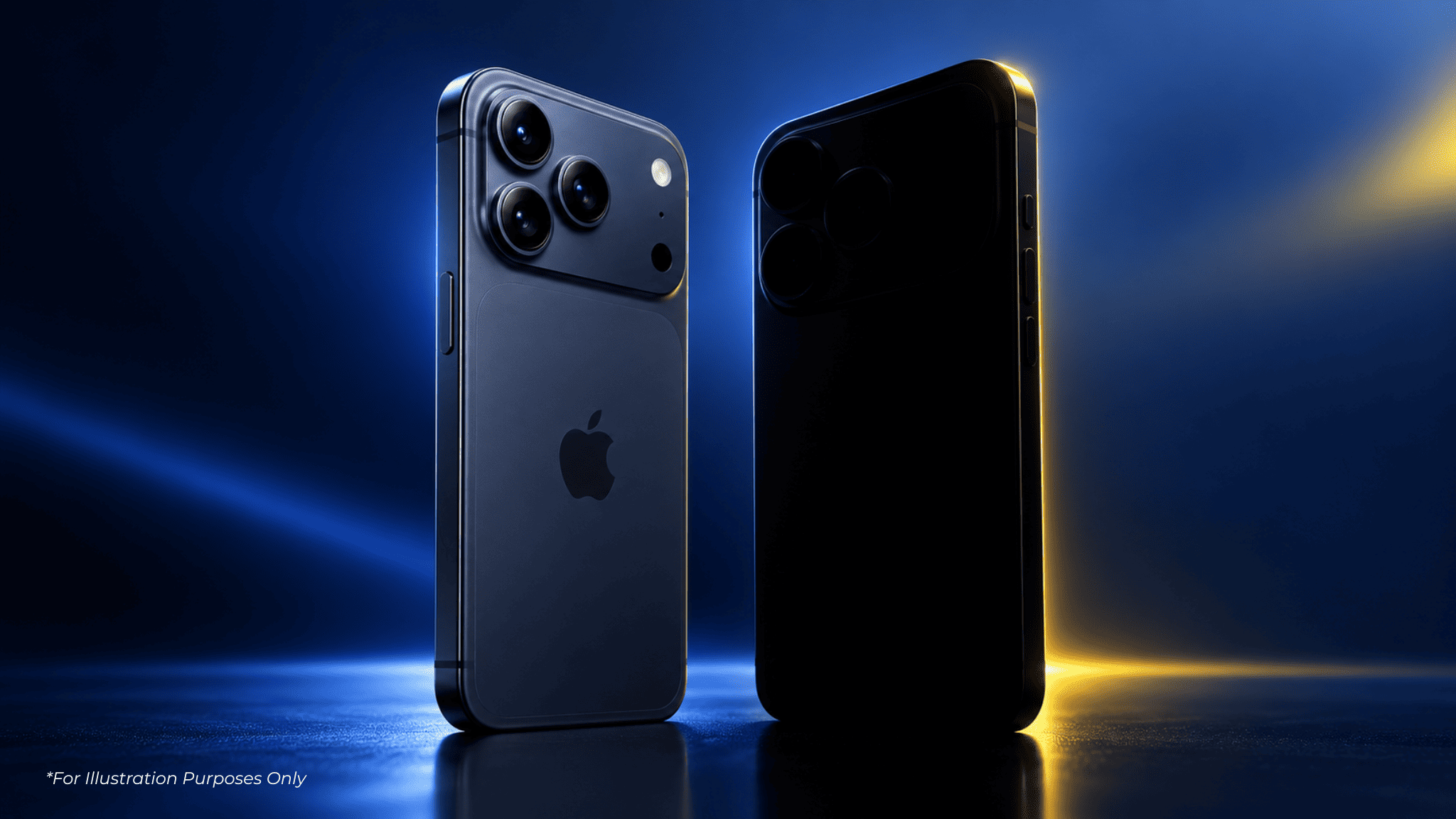


The honest case for and against, screen size, Apple Pencil, and Sidecar versus what your iPhone already covers. Plus which iPad tier actually fits if you do need one.


"Do I actually need an iPad if I already have an iPhone" is one of those questions that never quite gets a straight answer, mostly because the honest answer is "it depends on what you're doing with your phone right now." Here's the actual case for and against, instead of a generic "yes, obviously" from someone trying to sell you one.
An iPad adds genuine value over an iPhone for reading, note-taking, video calls, and content creation, thanks to its larger screen and Apple Pencil support, but for people who mainly browse, message, and consume short content, an iPhone alone often covers everything an iPad would add.
An iPad's main advantages over an iPhone are screen real estate for reading and multitasking, Apple Pencil support for handwriting and drawing, and Sidecar, which turns it into a second display for a Mac, none of which an iPhone screen is built to do well.
PDFs, textbooks, contracts, long reports, anything you'd otherwise squint at or constantly zoom in on. The bigger screen isn't a luxury here, it's the difference between reading comfortably and giving up after two pages.
Note-taking in lectures, marking up PDFs, sketching, digital art. If any of this describes you, an iPhone screen was never going to cut it, this is the one category where the size difference isn't optional.
An iPad can act as an extended or mirrored display for a Mac, wired or wireless. Genuinely useful for anyone who's ever wished their laptop screen was just a little bigger without buying a monitor.
Video editing, digital painting, music production with a proper multi-touch canvas. iPhone can technically do versions of all of this. iPad does it like you're actually meant to.
An iPad adds little value for people who mainly use their phone for messaging, social media, and short browsing sessions, especially if they already own a laptop for anything requiring a bigger screen or a keyboard.
Here's the honest counter-case. If your day is mostly messaging, scrolling, quick browsing, and the occasional video, your iPhone is already handling that job fine, an iPad doing the same things on a bigger screen isn't a meaningful upgrade, it's a second device doing the same job. And if you already own a laptop, the "I need a bigger screen for work" argument mostly evaporates too, a laptop with a real keyboard beats an iPad with a keyboard case for most actual work.
Think about the last time you genuinely wished your phone screen was bigger, not just "it'd be nice" but actually got in the way of something. If that's happened in the last month, an iPad solves a real problem. If you're struggling to think of a specific moment, you're probably fine without one.
iPad (A16, from RM2,049) suits casual reading and browsing use, iPad Air (M4, from RM3,499 Wi-Fi, or RM4,199 with cellular) adds real performance headroom for moderate content creation and heavier multitasking, and iPad Pro (M5, from RM5,499) is worth it specifically for demanding creative work like video editing, not for general use. Sidecar itself works on any current iPad, it's not an Air-exclusive feature.
| Tier | Price (MY) | Actually worth it for |
|---|---|---|
| iPad (A16) | From RM2,049 | Reading, browsing, casual note-taking, kids' use |
| iPad Air (M4) | From RM3,499 Wi-Fi RM4,199 Cellular | Real performance for moderate creative work, genuine productivity |
| iPad Pro (M5) | From RM5,499 | Video editing, serious digital art, professional use |
Note: CelcomDigi's own listed pricing on device bundles may differ from Apple's direct pricing above, check current plans and pricing directly on the CelcomDigi site before deciding.
Quick answers on whether an iPad is actually worth adding to your setup.
It depends on use. An iPad adds real value for reading, note-taking with Apple Pencil, and content creation thanks to its larger screen. If your phone use is mostly messaging and browsing, and you already own a laptop, an iPad may not add much.
iPad (A16) suits casual reading, browsing, and note-taking. iPad Air starts from RM3,499 Wi-Fi or RM4,199 Wi-Fi + Cellular, and runs the more capable M4 chip, handling moderate creative work that the base iPad struggles with. Both support Sidecar, that's not a difference between them.
Generally not necessary for casual use. iPad Pro's extra performance and display quality mainly matter for demanding creative work like video editing or professional digital art, not everyday reading and browsing.
For some people, yes, particularly with a keyboard case and apps that support full multitasking. For work requiring specialised software or heavy multitasking across many windows, a laptop generally remains more capable.
Sidecar lets an iPad act as an extended or mirrored second display for a Mac, connected wired or wirelessly, useful for anyone who wants more screen space without buying a separate monitor.
Sources: Apple (MY) — Compare iPad models · Apple Support — iPad User Guide