
Wondering how to use Gemini AI in 2026? Discover its latest features, productivity tips and how it works seamlessly on the Samsung Galaxy S26 Series.


Googled “What is Gemini AI?” or “How to use Gemini AI on Android?” lately? You’re not alone.
In 2026, everyone wants an AI assistant that can draft emails, summarise notes, plan trips and boost productivity — without making things complicated. That’s exactly what Gemini AI is designed to do.
Built directly into Android and fully optimised for flagship devices like the Samsung Galaxy S26 Series, Gemini is smarter, faster and more context-aware than ever. It doesn’t just answer questions — it helps you get things done.
Here’s everything you need to know about using Gemini AI in 2026.
Gemini AI is Google’s next-generation multimodal artificial intelligence model. It can understand and generate:
Unlike traditional voice assistants, Gemini AI in 2026 can handle complex prompts, remember context and perform cross-app actions.
If you’re wondering “is Gemini AI free to use?”, there are both standard and advanced versions available. Gemini Advanced offers enhanced reasoning, coding support and deeper document analysis.
On Android smartphones like the Samsung Galaxy S26 Series, Gemini functions as a built-in AI assistant, replacing older assistant models with a smarter, more contextual system.
One of the most searched queries in 2026 is: “How do I use Gemini AI on my phone?”
Here’s how to get started on the Samsung Galaxy S26 Series:
Once set up, you can:
Thanks to the Galaxy S26 Series’ AI-optimised processor and advanced chipset, Gemini runs smoothly even when multitasking.
If you’ve searched “best Gemini AI features” or “what can Google Gemini do?”, here’s what stands out this year:
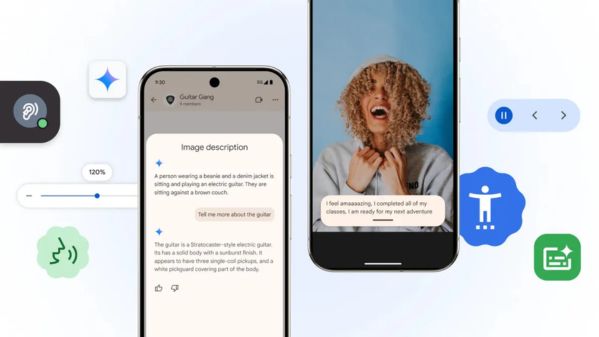
Gemini can process text, images and voice simultaneously.
For example:
The Samsung Galaxy S26 Series camera system enhances this experience with high-resolution image capture, improving AI accuracy.
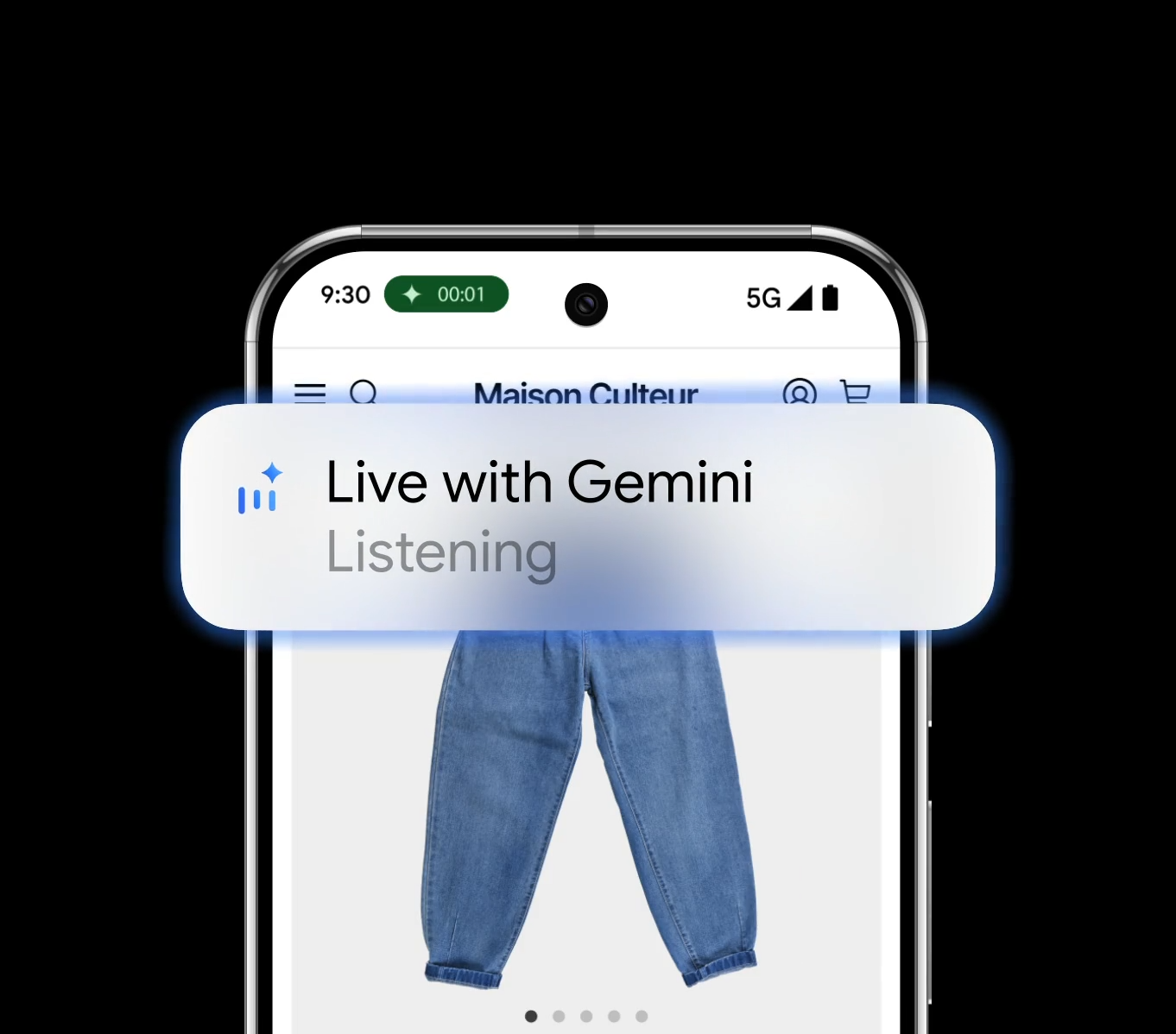
Many users now search for “best AI voice assistant 2026”. Gemini Live is designed to feel conversational and natural.
You can say:
With on-device AI acceleration on the Galaxy S26 Series, responses feel almost instant.
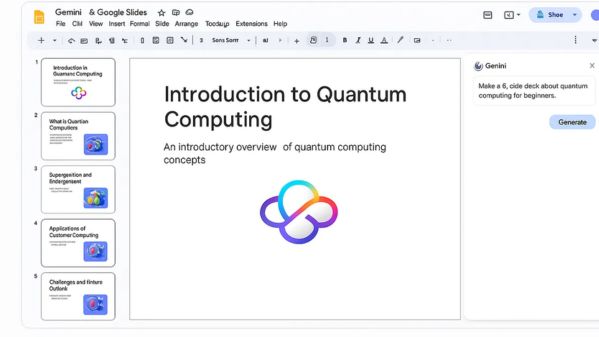
Gemini is one of the most powerful AI tools for productivity in 2026.
It helps with:
On the Samsung Galaxy S26 Series’ immersive display, multitasking between Docs, Gmail and browser tabs becomes seamless.
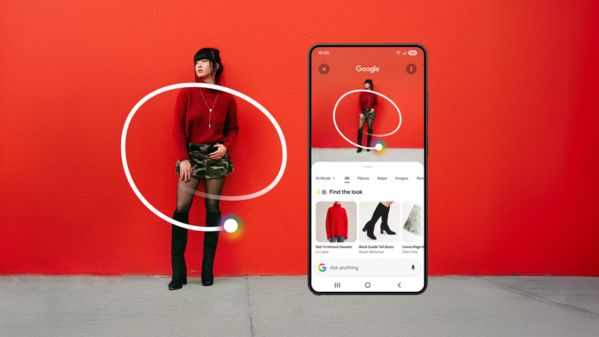
A major advantage of Gemini AI on Android is contextual awareness.
Searching “how to use Gemini AI on screen content”? Simply activate Gemini while viewing any app and ask questions about what you’re seeing.
Example use cases:
This system-wide integration makes Gemini feel truly embedded into your device.
Here’s a simple breakdown:
Gemini AI
ChatGPT
If you’re heavily invested in the Google ecosystem, Gemini AI offers a more seamless, built-in experience — especially on premium Android devices like the Samsung Galaxy S26 Series.
.jpeg)
Combined with the Galaxy S26 Series’ powerful performance, high refresh-rate display and long battery life, AI-powered workflows feel uninterrupted.

In 2026, Google provides:
Meanwhile, Samsung Galaxy S26 Series devices are equipped with advanced security features for enhanced data protection.
As always, users should review privacy settings regularly to maintain control over their information.
Gemini AI in 2026 isn’t just smart — it’s a game-changer. From instant summaries to real-time screen assistance and creative brainstorming, it turns your smartphone into a powerful AI companion.
And on the Samsung Galaxy S26 Series, that experience hits a whole new level — faster processing, smoother multitasking and AI that works seamlessly across everything you do.
Ready to upgrade?
With the Samsung Galaxy S26 Series launch deals on CelcomDigi, you can enjoy savings with Easy360, including:
CelcomDigi’s fast 5G network and exclusive Samsung promotions, the future of AI isn’t coming — it’s already here.